
On this page
Both desktop clients can import subscriptions, but the time you will spend maintaining configurations matters more to the choice. Changing interfaces may not be worthwhile when your current setup is stable. If you plan to migrate, compare everyday tasks, configuration processing, and behavior on your target system rather than simply counting features.
Clash Verge Rev and Clash Nyanpasu: the difference is configuration processing
Use Merge to combine local changes when you need to keep handwritten rules, and consider Lua scripts when you need conditional configuration processing. If you only import subscriptions, switch nodes, and enable the proxy, use the table below to choose a starting point; you do not need every configuration-processing feature.
Best For
| Your situation | Better starting point | Why |
|---|---|---|
| First installation on Windows or macOS | Clash Verge Rev | Active releases make current documentation for Profile, the system proxy, TUN, and logs easier to follow |
| Need Merge, Lua, or multi-core experiments | Clash Nyanpasu | Configuration-processing features are more prominent, but stable releases arrive more slowly |
| The existing client is already stable | Do not migrate yet | A different UI will not improve node quality, and migration itself changes services and ports |
Maintenance status confirmed in 7/2026
Official Clash Verge Rev Releases published v2.5.2 in 7/2026, and the repository was still updated on 7/23. The current stable release provides Windows, macOS, and Linux builds. For desktop users who need to follow new system permissions and Mihomo updates, this is a clearer maintenance signal.
The official stable page for Clash Nyanpasu still marks v1.6.1 (9/2024) as Latest. The v1.6 series includes cross-platform service mode, Merge filter, Lua configuration processing, and split configuration directories, but its stable release is noticeably older.
The project remains usable, but new users should review nightly builds, issues, and target-system compatibility before accepting more hands-on validation.
Both can import subscriptions, but they process configurations differently
- Clash Verge Rev
- Works around remote Profile, local configuration, Merge/Script overrides, policy groups, and connection logs. It suits users who want subscriptions and a small set of local rules managed separately.
- Clash Nyanpasu
- The v1.6 series places more emphasis on Merge filtering, Lua/JavaScript processing, generated configurations, and multiple-core management. It suits users willing to inspect the merged result.
- Shared limitation
- The selected core still parses the final configuration. Loading the same YAML does not mean service installation, the system proxy, and TUN behave identically.
If you normally update one subscription, switch policy groups, and inspect connections, Nyanpasu's configuration-processing layer may go unused. Conversely, if you often remove a class of nodes from a subscription, conditionally reorder policy groups, or test different cores, the simplest Profile override may not be transparent enough.
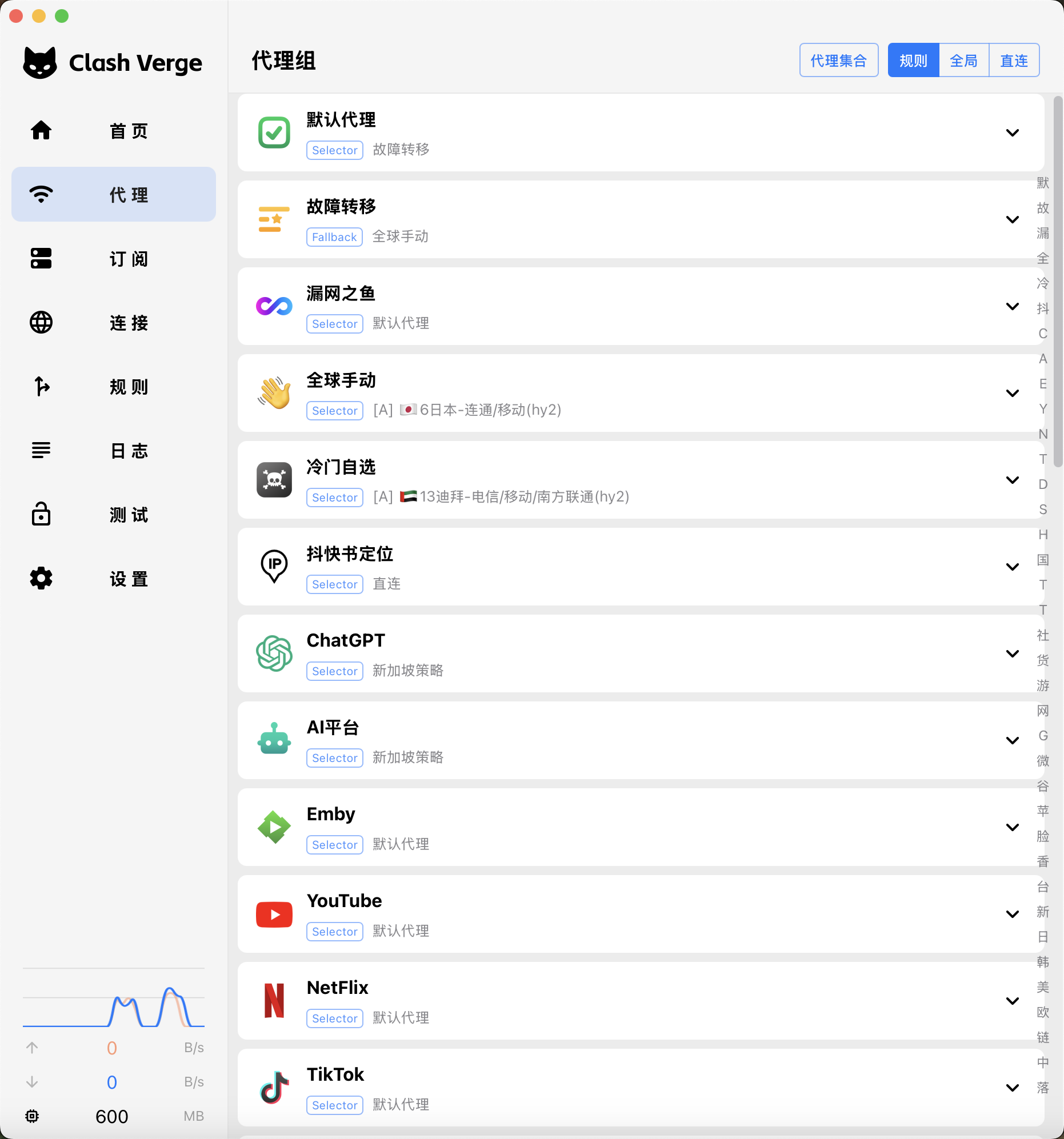
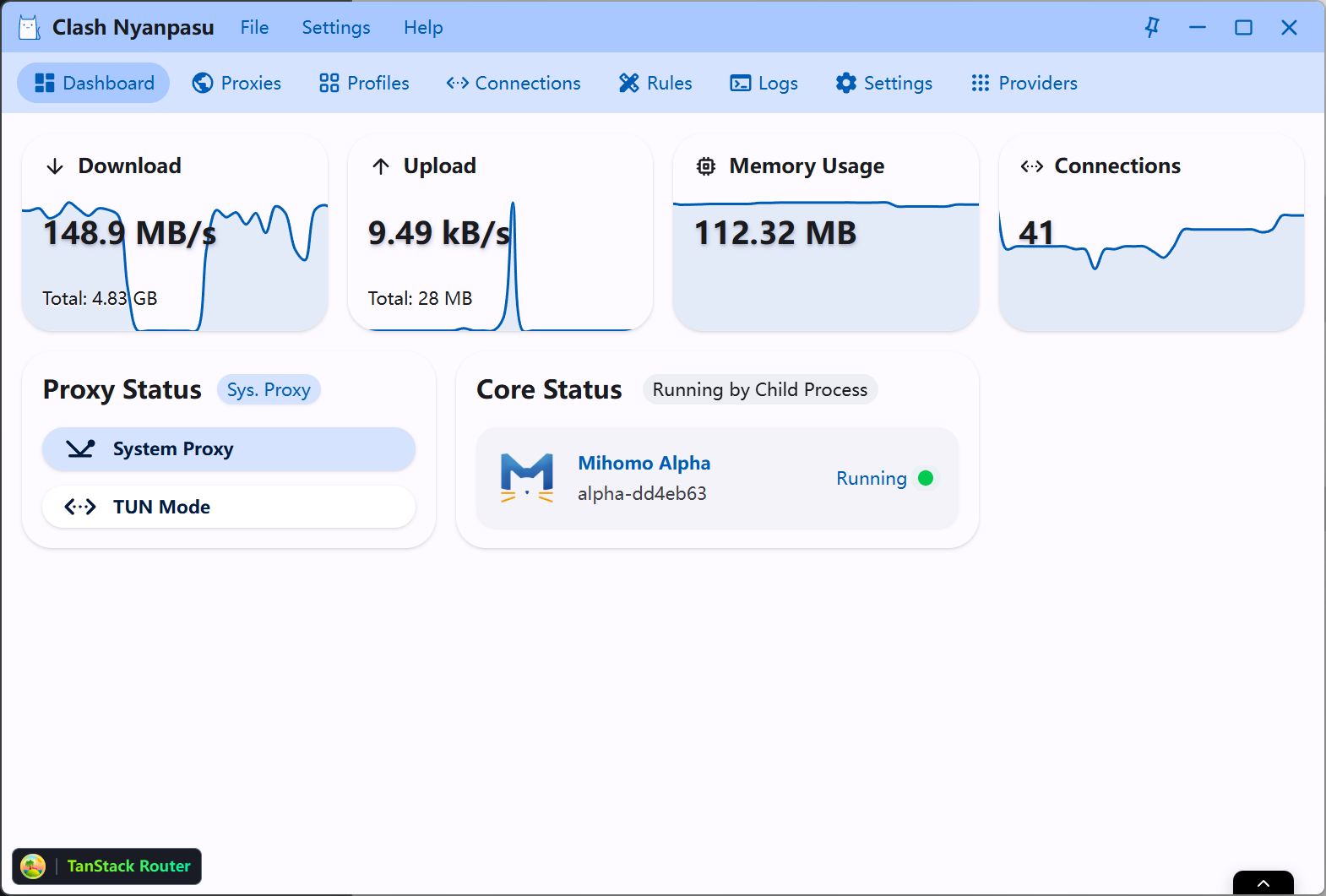
The system proxy experience is similar; test TUN and service upgrades separately
On Windows, both clients can encounter service-installation, virtual-adapter, and proxy-restoration issues after exit. On macOS, also check background-service permissions, sleep and wake, and system upgrades. A TUN switch on both feature pages does not mean their service-upgrade procedures are identical on the same computer.
When comparing the two, do not run them at the same time. First disable TUN and the system proxy in the old client and quit it completely, then import a simple configuration into the new client. If you see a port-in-use warning, find the old core in Task Manager or Activity Monitor before changing the subscription.
On Windows and macOS, the real comparison is not the number of toggles
| Item | Clash Verge Rev | Clash Nyanpasu |
|---|---|---|
| Platform coverage | Stable releases are available for both Windows and macOS, with Linux also supported | Available on Windows and macOS; before installing, verify the current stable release and the correct asset for your system |
| Service mode and TUN | On Windows, install the service through the app only after confirming that its component meets the official security advisory’s fix requirements. On macOS, check the permissions required by the background service and virtual-adapter creation. | The v1.6 series includes service mode; installation, upgrades, and removal still need to be tested on the target system |
| Configuration overrides | Remote Profile with Merge/Script works well for a small number of traceable changes | Clearer access to Merge filtering, Lua/JavaScript, and multiple-core management |
| Migration effort | Requires rebuilding the service, TUN, login items, and local overrides | In addition, you need to verify the generated configuration and the behavior of the selected core |
Compare overrides, logs and network recovery with the same configuration
Side-by-side test on one machine
Import the same test configuration
Use a fixed node in Rule mode, and record the update time and any resolution messages.
Create one local override
Add a rule you can verify, then update the remote subscription and confirm that the rule remains.
Inspect failed requests
Compare whether each client shows the domain, rule, process, and error directly.
Quit and restore the network
Confirm that the system proxy is cleared; test the TUN service separately only if you actually need it.
Check backups
Find the configuration directory or in-app backup entry, then restore a test Profile.
If these operations offer no clear improvement, keep the client that already works reliably. Migration should simplify daily use and troubleshooting. Also confirm that services, TUN, login items and local overrides can be recreated and rolled back.